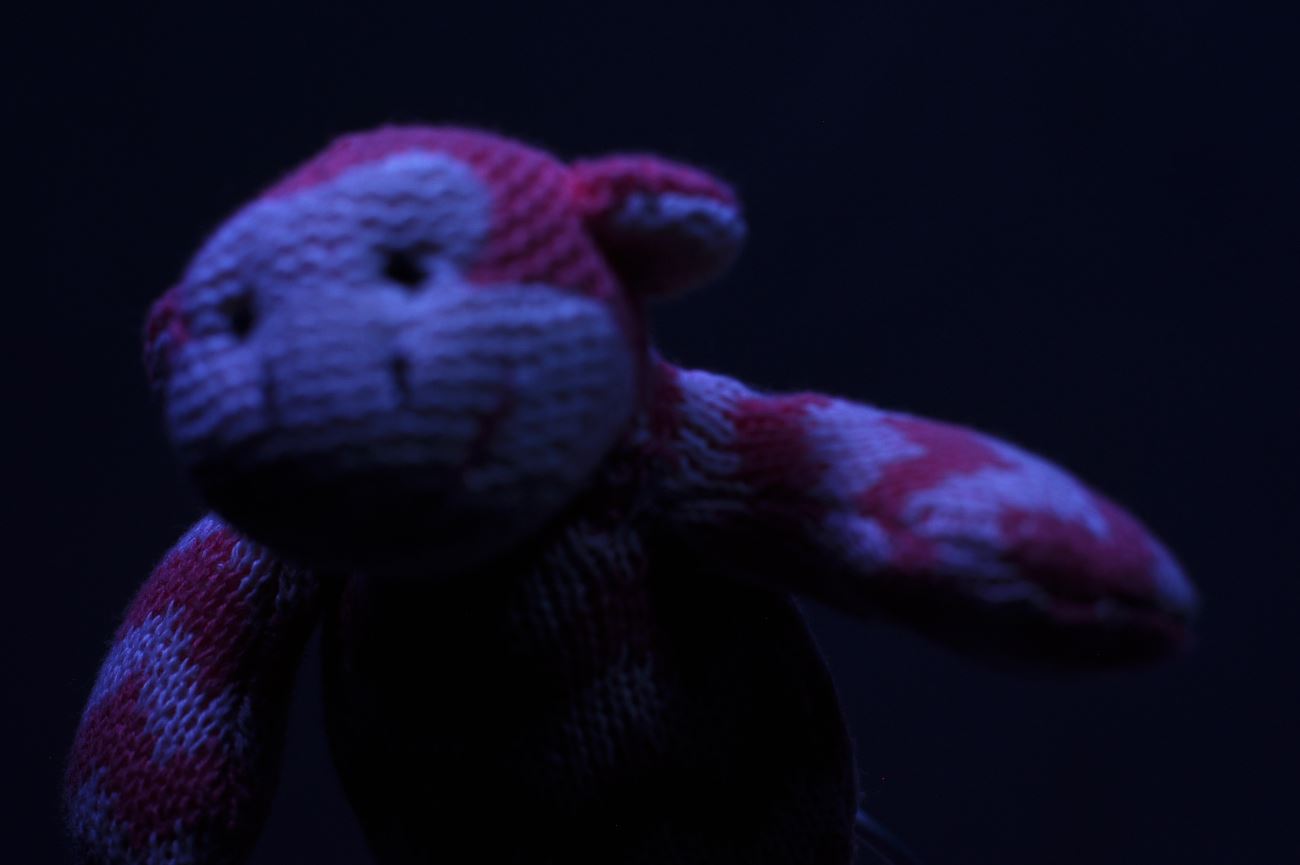
"Ken, don't move the bear. Ken... the bear... don't move it. Ken, the bear is moving! KEN!" Ken is sleeping standing up, moving the bear down, down, down. Then Ken collapses on the floor. Then Ken is sent to sleep in a corner for two hours.
Frames from the three shots we filmed today.
Thursday, October 22, 2015
BDM124, stop-motion, shooting, 19 October
four shots that we got through Monday. Everyday the shots looks different! How are we going to get that all smoothed out?
BDM124, stop-motion, shooting, 22 October
We've gotten a lot shot this week. I got out the camera and laptop etc Monday from 1-5 and we shot 4 scenes during class. Today, Anna and I came in at 9 and shot 5 scenes between 9 and 11. Ken joined us at 12 and we got another 3 scenes in the can. A few shots will probably be cut which leaves us the eyeball sequences to figure out (I think we may solve this by "erasing" a little from each frame to reveal the glowing eyeball frame underneath), Ken's paper fight sequence (we found two photo "holders" in the basement that will help us hold our frames in place while we shoot them), and our most difficult shots. We'll need all four of us on Monday to do them but Anna is off to Armageddon tomorrow and won't be back until Thursday. Soooooo.... we'll do what we can with three people and if Ryan doesn't come in, Ken and I will shoot the paper scenes and leave the hard stuff until we're all together on Thursday. Actually, that won't work because that will only give us the weekend to edit everything together and to add extra effects in After Effects. Better to just push on and make it happen. I've arranged to have an all day, ALL DAY, work session with Ken.
Here are frames from the scenes we shot today. 8 scenes!! Huzzah! They're all pretty dark... I'm not going to worry, I'm not going to worry. It's going to be okay.
Wednesday, October 21, 2015
BMA243, SIT 'n' spit, "Tiki", 21 October
Even after a few filters, the hand still looks like a borrowed photo. I need to paint over it some more to bring it in line with the simple painting of the rest of the piece.
Tuesday, October 20, 2015
BDM127, 2D, stringing it together in After Effects, 20 October
Trying this last week was really intimidating, and sloooooowww, so I didn't touch it again until today. And then it was actually very easy and fasssst! Huzzah. It took two hours instead of one, but it's still moving along, and that's great. Each scene gets exported as a GL frame and saved in the frames folder of each scene. I had to be careful that I had chosen the correct iteration of each scene and had to go back a few times because I stuffed up the naming conventions or saved it in the wrong folder or saved it with a scene element highlighted... you just have to constantly check things, over and over. After layering the scenes over the original animatic in After Effects, I exported it to Adobe media Encoder, in Vimeo HD H264 and now we'll get to watch it in class. Our due date has been pushed back to Monday at 5, 9 November! Yay!!!
The bottom picture shows all of the scenes I've animated in light blue. I might be halfway through! That's pretty exciting. These scenes are by no means done, though. Plenty of them need facial expressions to be added and I encountered problems this weekend adding a corrections layer and painting on it in the big box scenes.
Right click on each light blue bar to bring up options,including time-time stretch, to change things. Time can be stretched percentage or second-wise. Scenes can be held or lengthened by importing the last frame of the scene and layering it over the scene that's being extended. T brings up opacity if you highight the scene name at the far left and a cross fade between the lengthened scene and the next can be achieved.
The bottom picture shows all of the scenes I've animated in light blue. I might be halfway through! That's pretty exciting. These scenes are by no means done, though. Plenty of them need facial expressions to be added and I encountered problems this weekend adding a corrections layer and painting on it in the big box scenes.
Right click on each light blue bar to bring up options,including time-time stretch, to change things. Time can be stretched percentage or second-wise. Scenes can be held or lengthened by importing the last frame of the scene and layering it over the scene that's being extended. T brings up opacity if you highight the scene name at the far left and a cross fade between the lengthened scene and the next can be achieved.
What's due and when, 20 October
BMA243 digital illustration blog 21 October
BDM106 essay 27 October
BMA115 drawing portfolio due 28 October
BMA243 digital illustration portfolio/cards/jigsaw 28 October
BDM124 stop-motion short and blog 2 November
BDM103 Event write up 5 November
BDM127 2D short and blog 6 November
BDM115 comic and cover 6 November
To do: compile best drawings for portfolio. Finish tweaking 243 SIT 'n' spit. Shore up 124 and 127 blogs. Publish film review entries. Finish stop motion and 2D animation shorts.
Saturday, October 17, 2015
BDM127, 2D, shot work, 17 October
38 shots to go as of 1pm Saturday
35 done!
I'm playing with the painting that covers up GG. It looked ok being rolled on, the spray looks lively, but the covering up with looking pretty flat. And maybe that's just fine.
35 done!
I'm playing with the painting that covers up GG. It looked ok being rolled on, the spray looks lively, but the covering up with looking pretty flat. And maybe that's just fine.
Subscribe to:
Comments (Atom)